Vinh's Automations
A secure, production-grade userscript manager browser extension for Google Chrome and Microsoft Edge. Functionally similar to Tampermonkey, purpose-built with strict per-script isolation, AES-256-GCM encryption at rest, GitHub-based install and auto-update, and a professional dashboard UI.
The Problem
Browser userscripts are essential for automating repetitive web workflows, but existing solutions had trade-offs I wanted to address:
- Third-party userscript managers store code unencrypted and may include telemetry or analytics.
- Manifest V3 restrictions made script injection increasingly difficult due to CSP and Trusted Types policies on modern sites.
- Auto-update mechanisms often rely on arbitrary URLs rather than version-controlled sources like GitHub.
- No existing solution combined per-script isolation, encrypted storage, and a clean professional UI.
Solution Overview
Secure Script Management
- AES-256-GCM encryption for all script code and metadata stored in chrome.storage.local
- PBKDF2 key derivation with per-session key caching
- Zero telemetry — no analytics, no phone-home, no external requests except GitHub
- Ring-buffer logger (500 entries) with source code redaction for safe log sharing
Manifest V3 Injection
- Dual-path injection strategy: USER_SCRIPT world (Chrome 122+) with chrome.userScripts.execute()
- ISOLATED world fallback via content script eval for older browsers
- Trusted Types policy detection and bypass where allowed
- Per-script IIFE isolation — no shared global scope between scripts
GitHub-Based Workflow
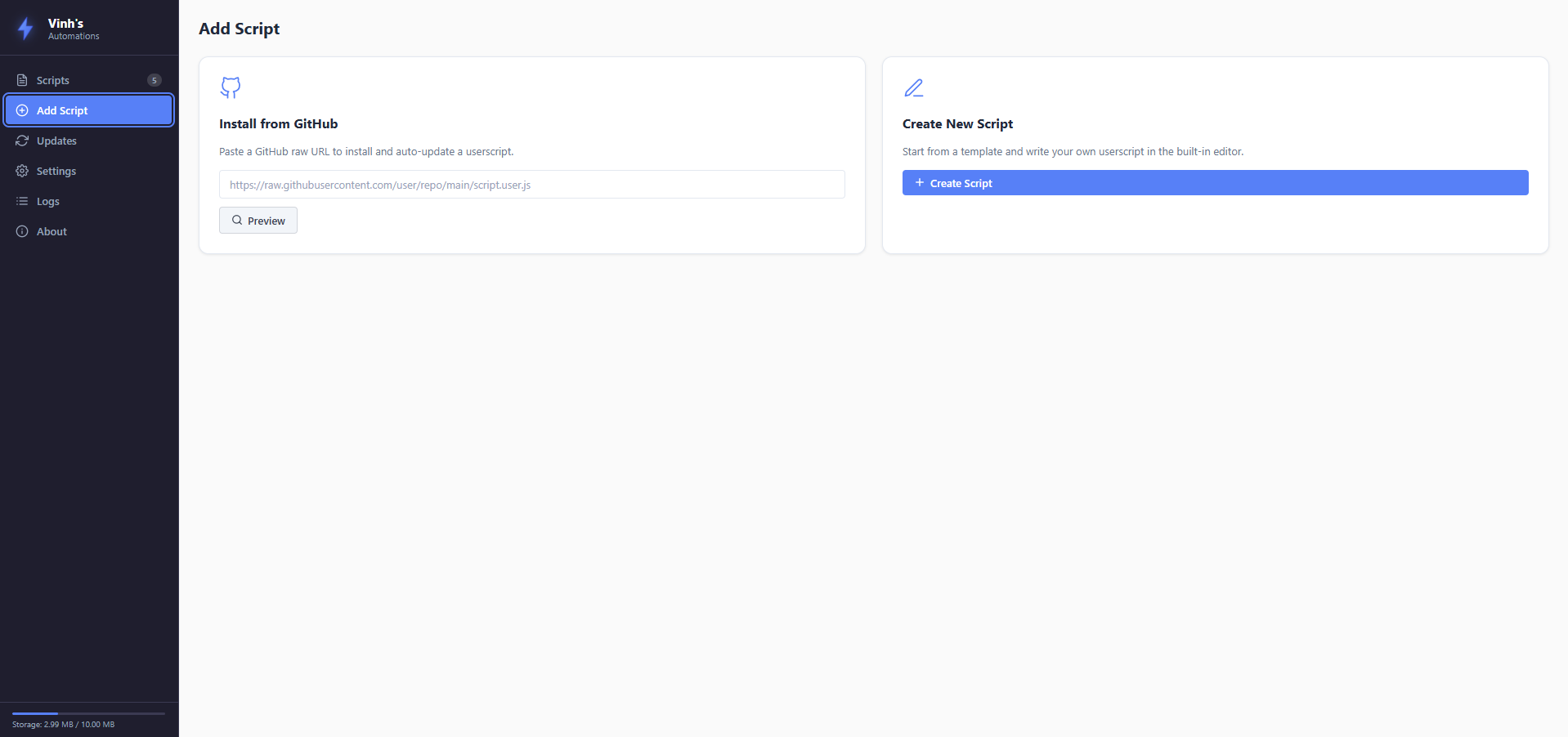
- Install scripts directly from raw GitHub URLs with full metadata parsing
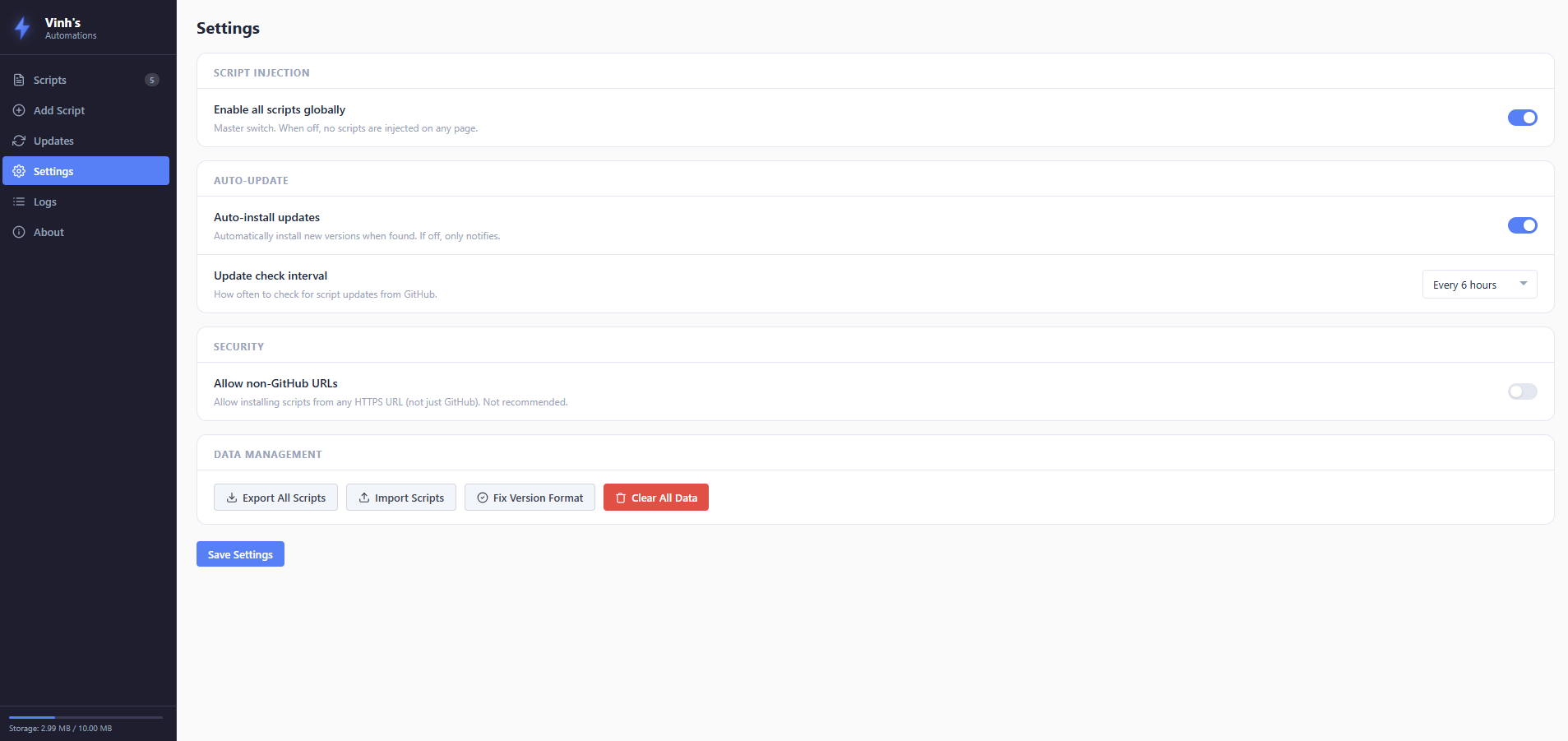
- Auto-update via @updateURL with configurable intervals (1h, 6h, 12h, 24h, manual)
- Startup checks for missed updates when the browser restarts
- Preview metadata before installing via the dashboard
Professional Dashboard
- CodeMirror-powered editor with syntax highlighting and line numbers
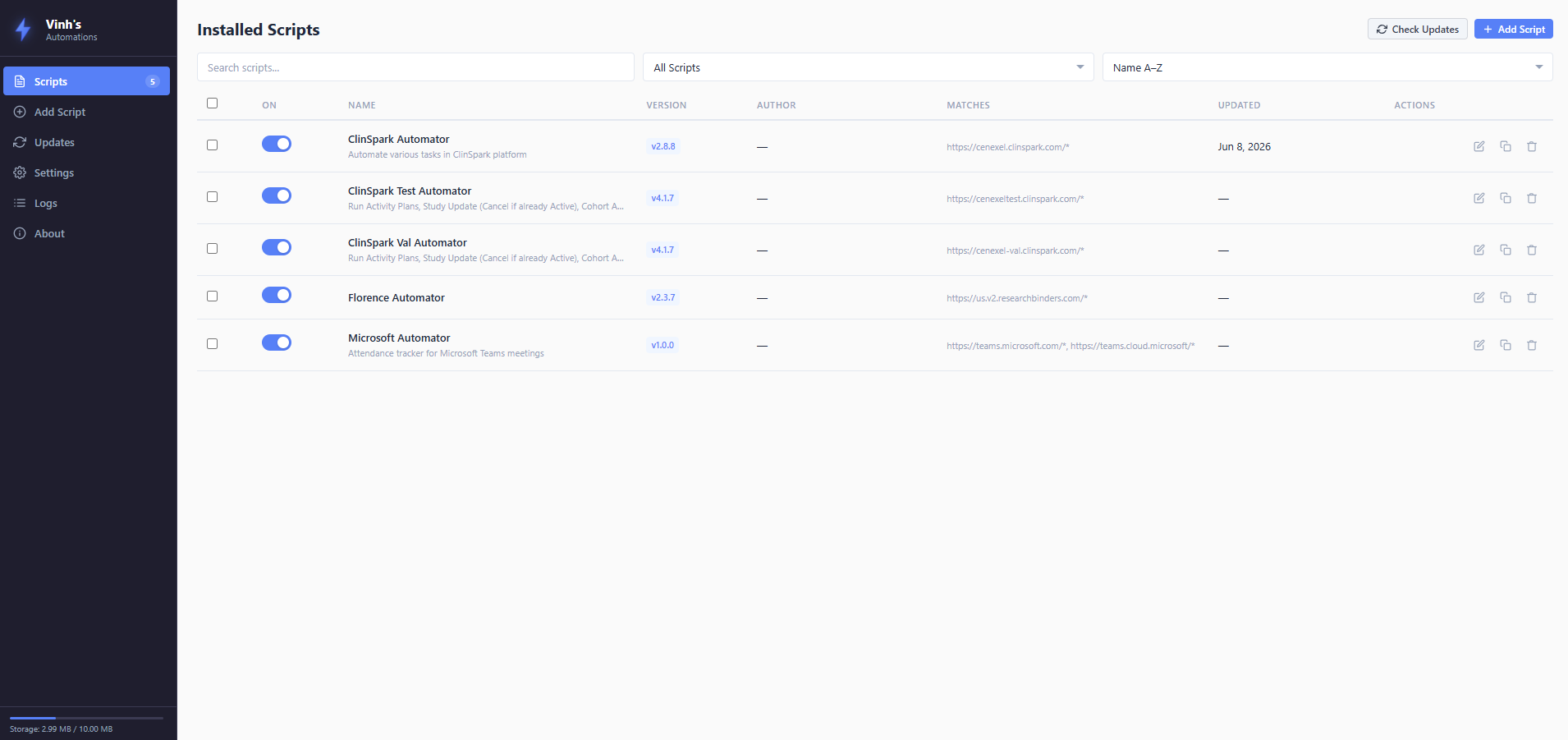
- SPA-style dashboard: Scripts, Add, Updates, Settings, Logs, and About pages
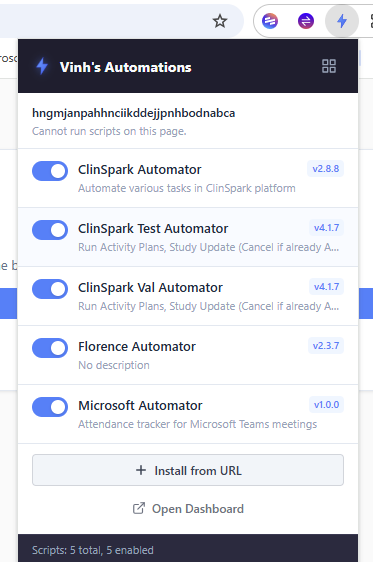
- Popup interface for quick script toggle and install-from-URL
- Setup warning banner with one-click fix for chrome.userScripts permission
Tech Stack
JavaScript (ES2022)
Chrome Extension API
Manifest V3
CodeMirror
AES-256-GCM
PBKDF2
GitHub API
Service Worker
Screenshots
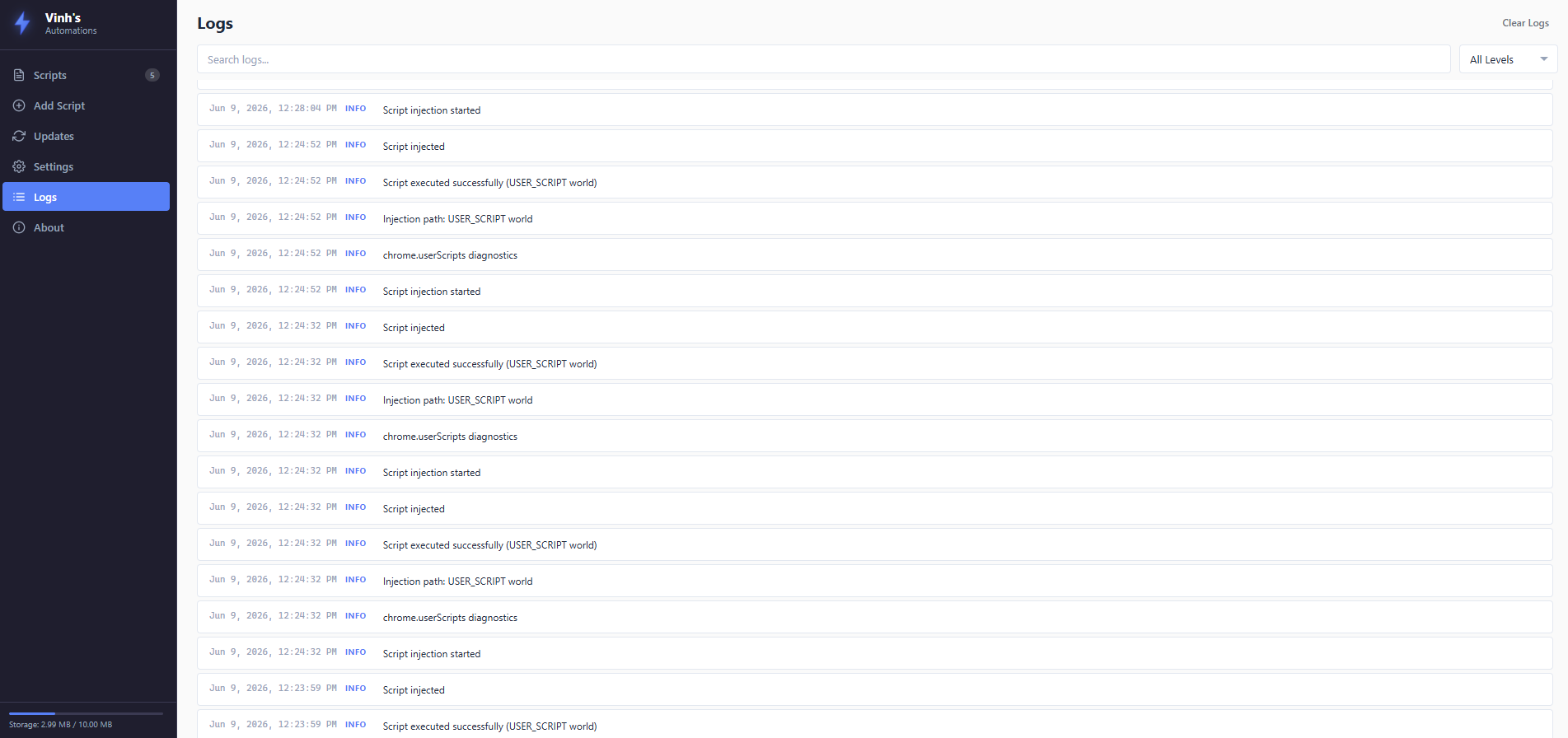
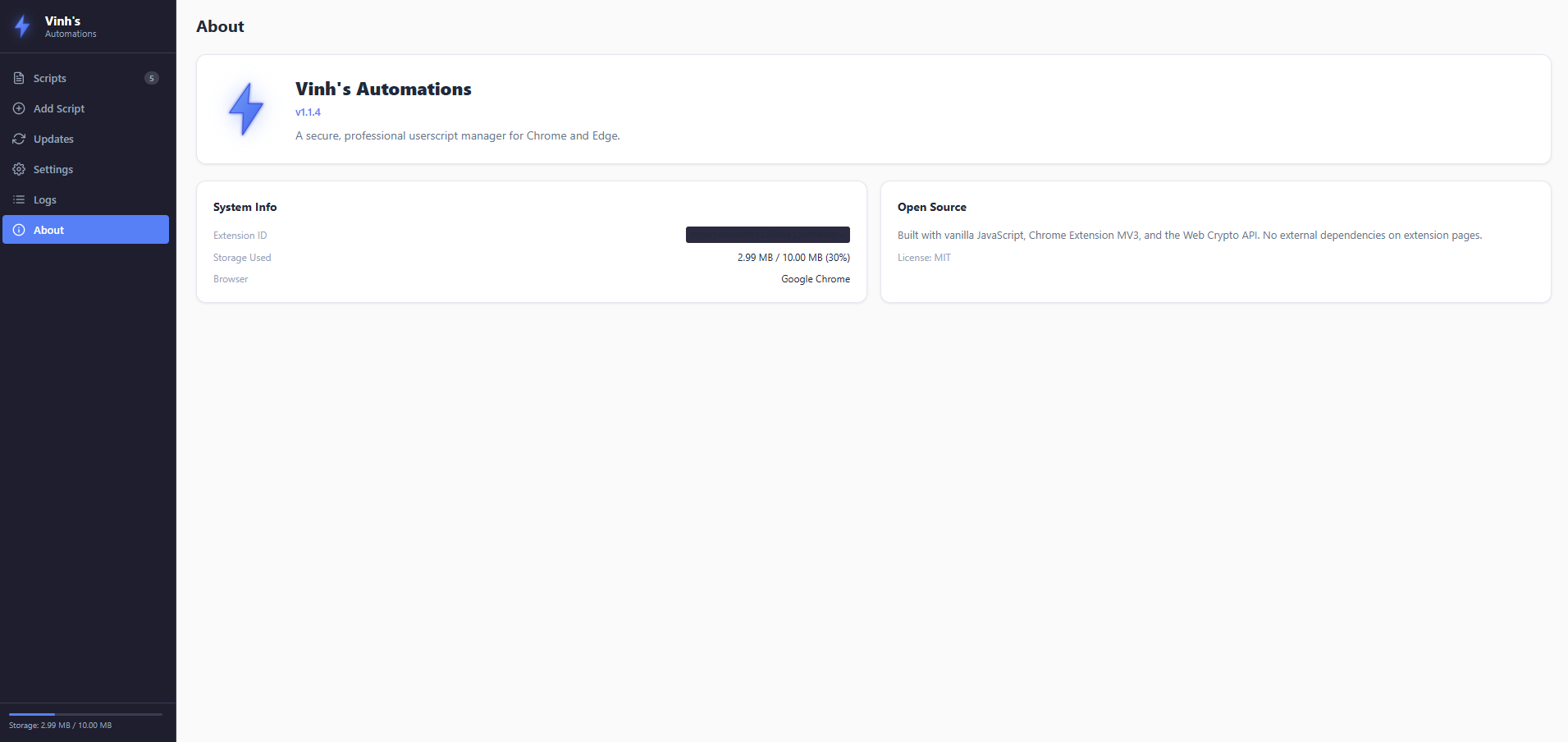
Challenges & Solutions
- MV3 CSP and eval restrictions: The service worker's own CSP blocks eval and new Function(). I replaced new Function() with a static func literal that receives code as a string and uses indirect eval inside chrome.scripting.executeScript — which runs in the tab's MAIN world and is not subject to the extension's CSP.
- Trusted Types on Microsoft Teams: Teams has a closed Trusted Types allowlist. I implemented a dual-path strategy: USER_SCRIPT world injection (Chrome 122+, immune to Trusted Types and CSP) as the primary path, with an ISOLATED world eval fallback for older browsers.
- Encrypted storage performance: Encrypting every script read/write could be slow. I implemented PBKDF2 key derivation with session-cached keys and batch operations for import/export to keep the UI responsive.
- Per-script isolation: Scripts must not share global scope or interfere with each other. Each script is wrapped in an IIFE with no shared variables, and the injection engine routes them independently.
- Auto-update reliability: Browsers can miss scheduled alarms when closed. I added startup checks that detect missed update windows and backfill them when the browser restarts.
Outcomes & Impact
- Built a fully functional Tampermonkey alternative with zero external dependencies beyond GitHub.
- AES-256-GCM encryption ensures script code remains private even if browser storage is accessed.
- Successfully injects scripts on CSP-restricted sites like Microsoft Teams via USER_SCRIPT world.
- Auto-update system reliably keeps scripts current without manual intervention.
- Professional dashboard replaced the need for a separate script editor — everything is in-extension.
Lessons Learned
- Manifest V3 is significantly more restrictive than V2, but the chrome.userScripts API (Chrome 122+) finally provides a viable path for userscript managers.
- CSP and Trusted Types are defense-in-depth mechanisms that also block legitimate extension use cases — understanding the exact boundary between extension CSP and page CSP is critical.
- Encrypting browser storage adds complexity but is essential for handling potentially sensitive automation scripts in clinical or corporate environments.
Future Improvements
- Chrome Web Store publication with automated release pipeline via GitHub Actions.
- Script syncing across devices via encrypted cloud storage.
- Import/export from Tampermonkey and Greasemonkey formats.
- Script marketplace with community-verified scripts.